
ROS-Reborn-System-OTA (Recovery Mode)
Imagine you’re too lazy to download the latest RengeOS ISO, but your system is running RengeOS and Recovery Mode is enabled.
Why not take advantage of the ros-reborn tool?
Essentially, this is a supplementary tool to the ros-reborn tool that allows updating airootfs and the kernel in Recovery Mode based
on the latest RengeOS Edition.
Thanks to this, you will always save a lot of time installing the latest RengeOS and won’t need a Live ISO or USB, which is also the purpose for which this tool was created:D
Let’s proceed
Section titled “Let’s proceed”- First, boot into
Recovery Modefrom theGRUB menu, then log in as the root user. - Then enter the command
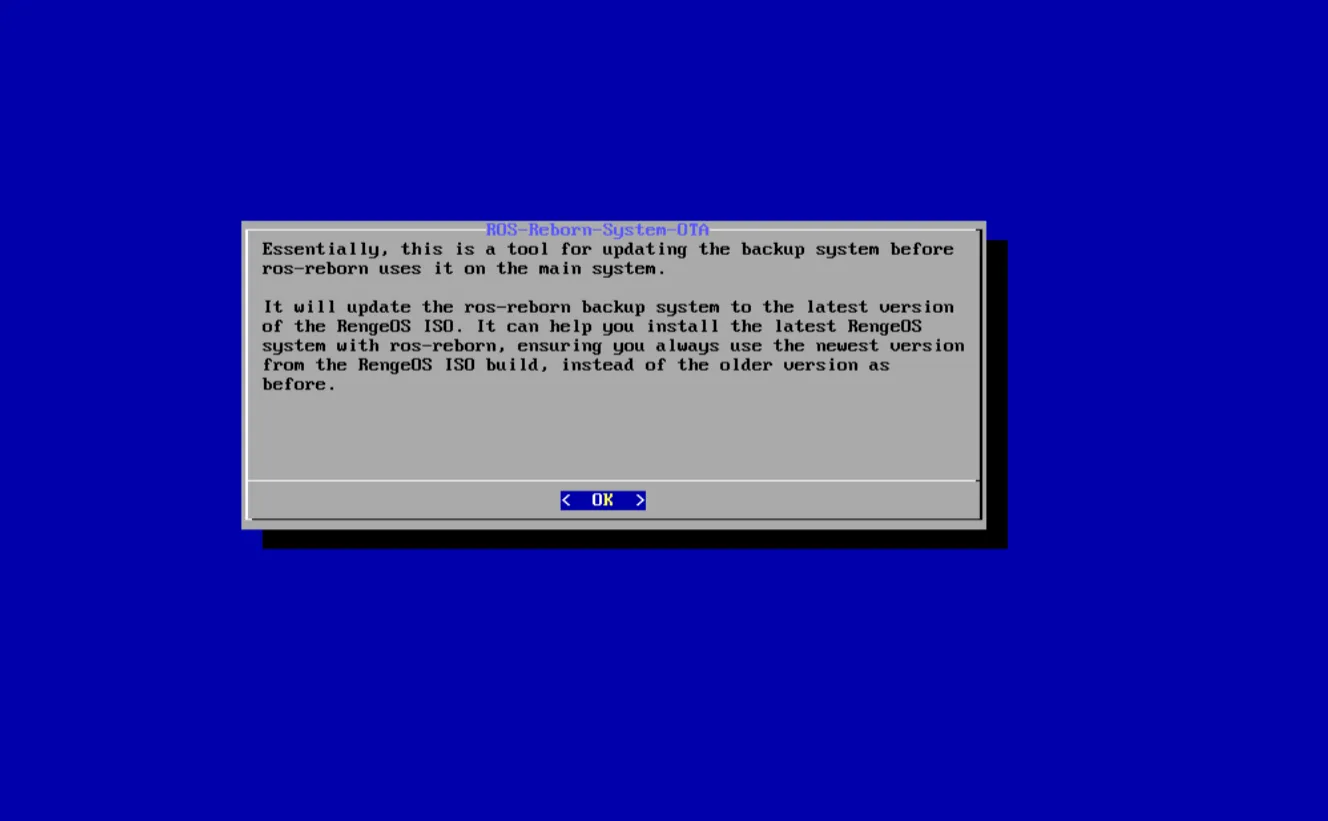
ros-reborn-system-otaand you see this program.
Check and compare versions
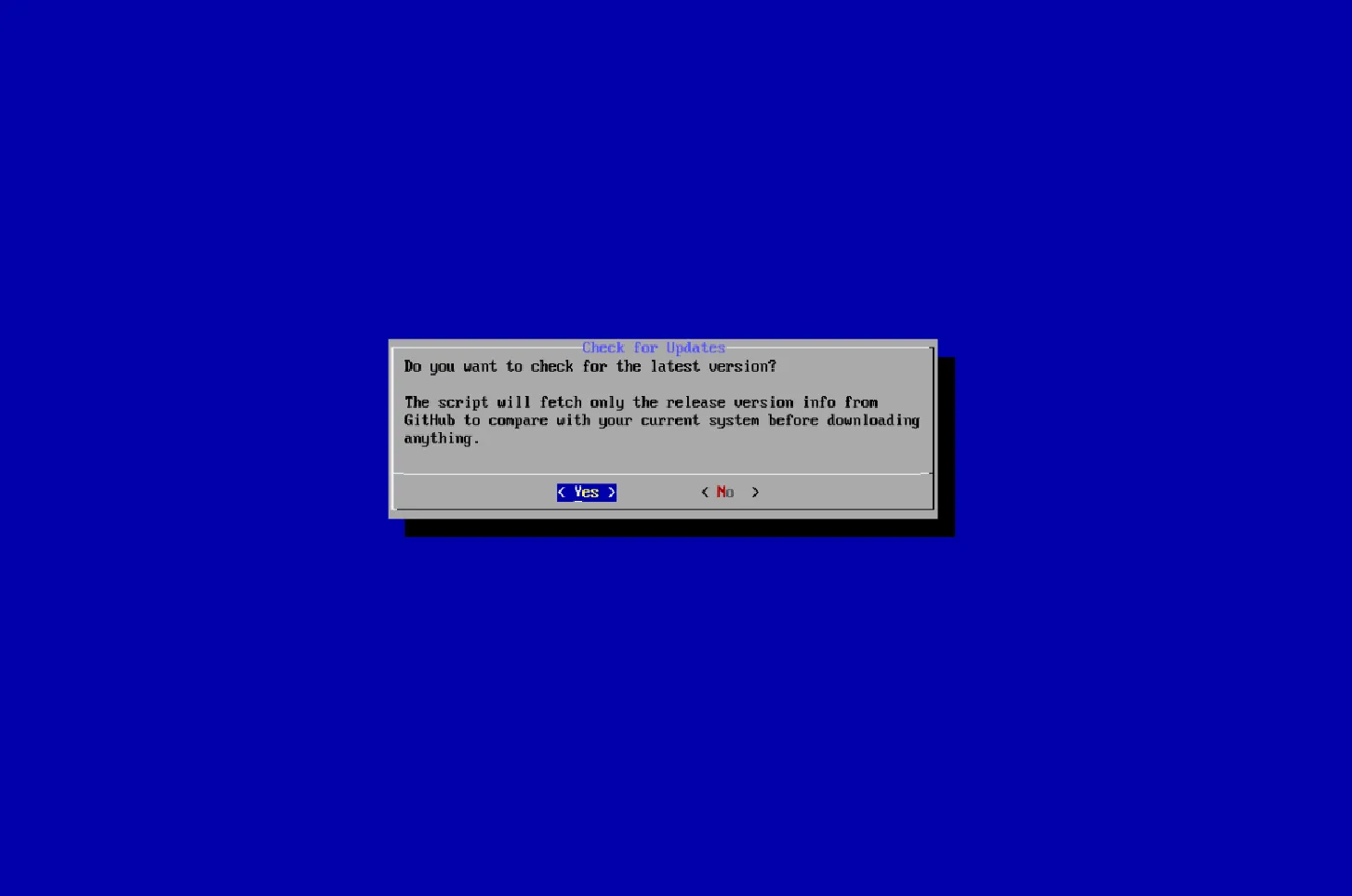
Section titled “Check and compare versions”- After confirmation, we will begin comparing the current and latest versions (information is taken from GitHub).
-
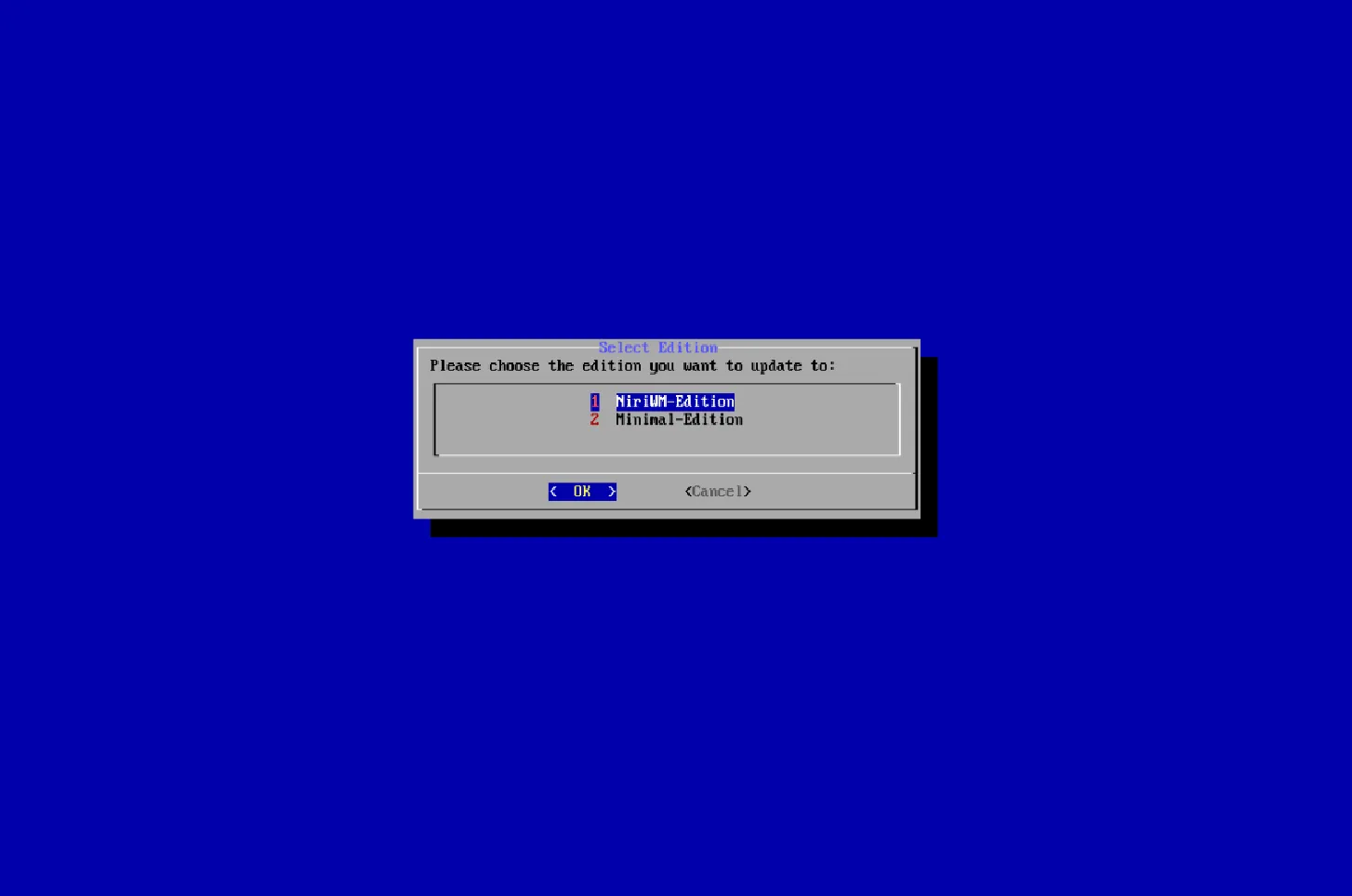
Now we need to choose a edition to compare and your choice will determine which version is downloaded and applied.
-
My choice here is
NiriWM-Editionbecause that’s the edition I want to install usingros-reborninstead ofMinimal-Editioni’m currently using:)
- After selecting
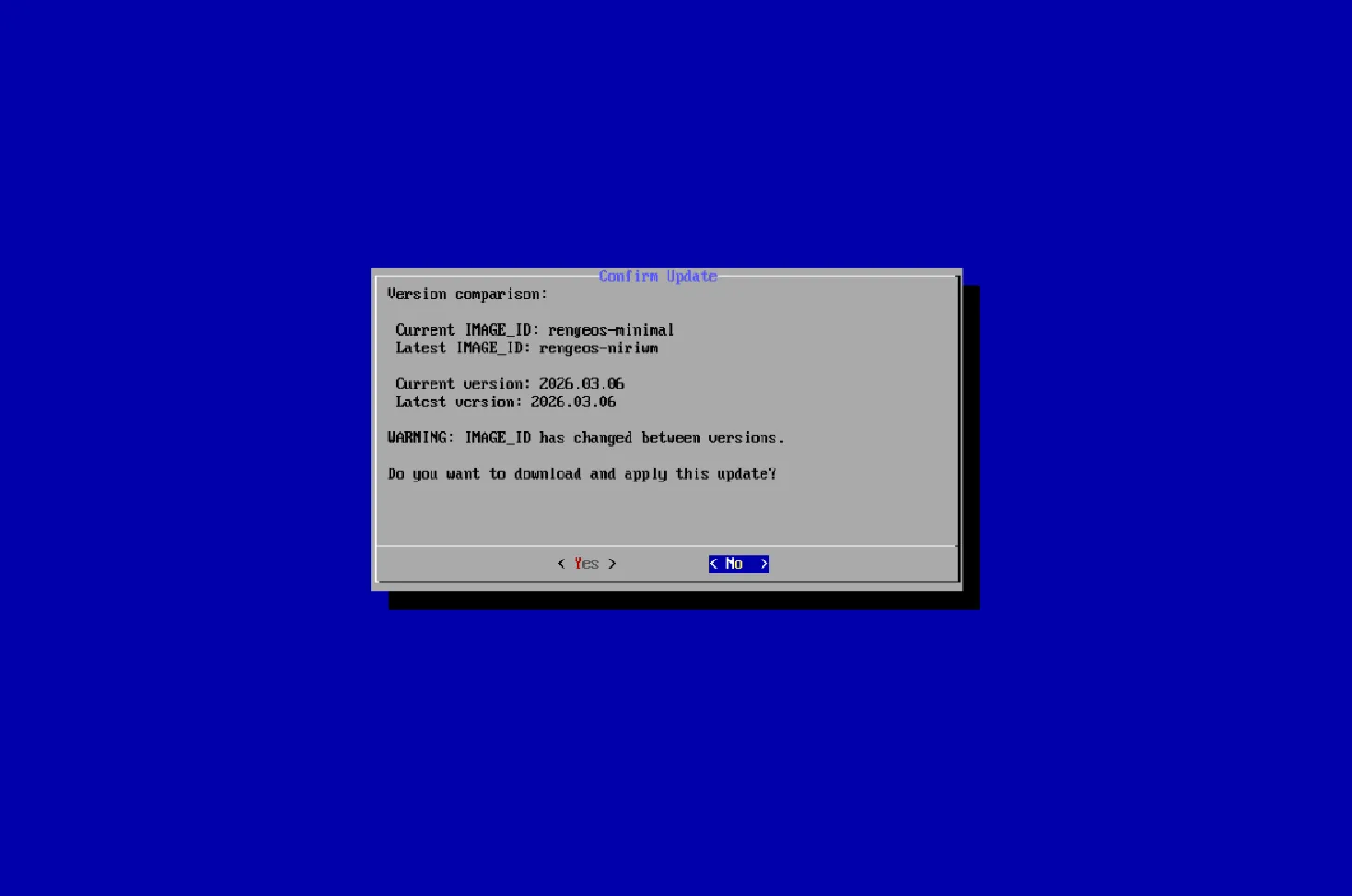
NiriWM-Edition, it will start downloading theos-releaseof that edition and then compare it with the currentos-release.
Wait for the changes to be applied and completed
Section titled “Wait for the changes to be applied and completed”- Once we’ve confirmed, we’ll wait for the download process to complete and apply the changes.
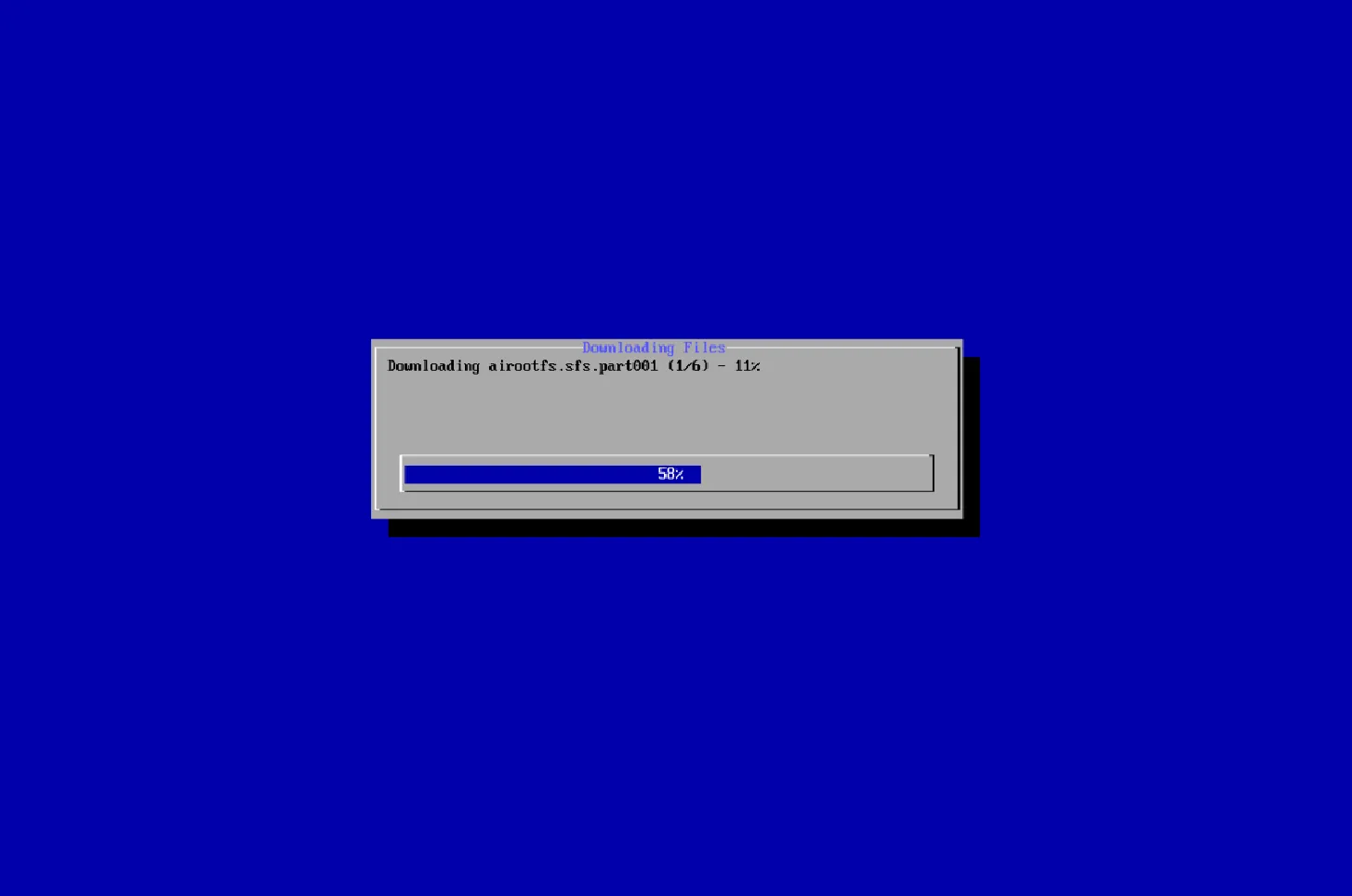
- After the changes have been implemented, we will summarize what has changed.
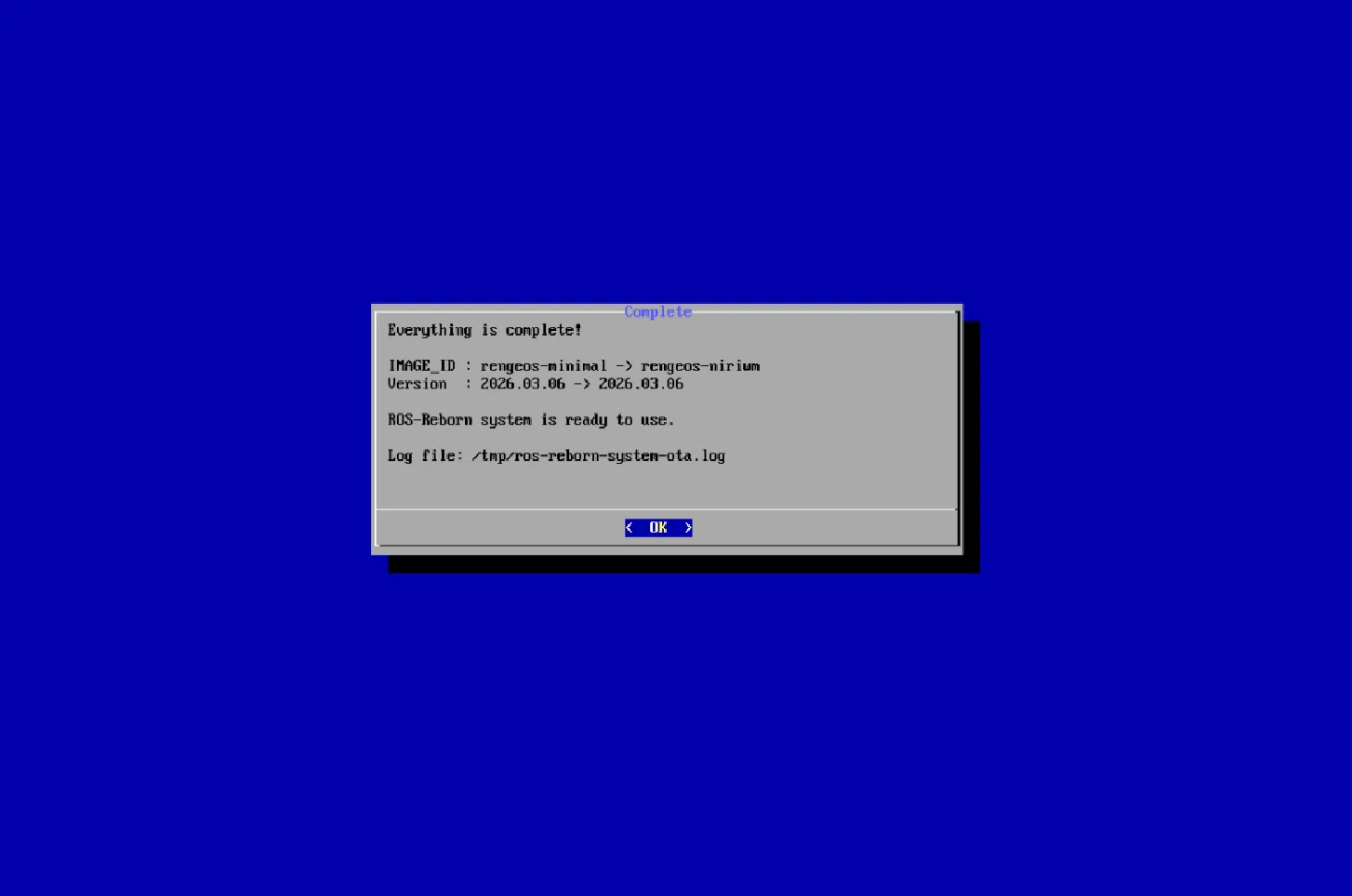
- Now you can use the
ros-reborntool to install and apply the edition you downloaded.