Niri is a Scrollable Wayland Compositor for Linux , developed by YaLTeR His Community Rust language and provides a modern scrolling tiling workflow for an efficient working environment . It’s the default window manager of RengeOS .
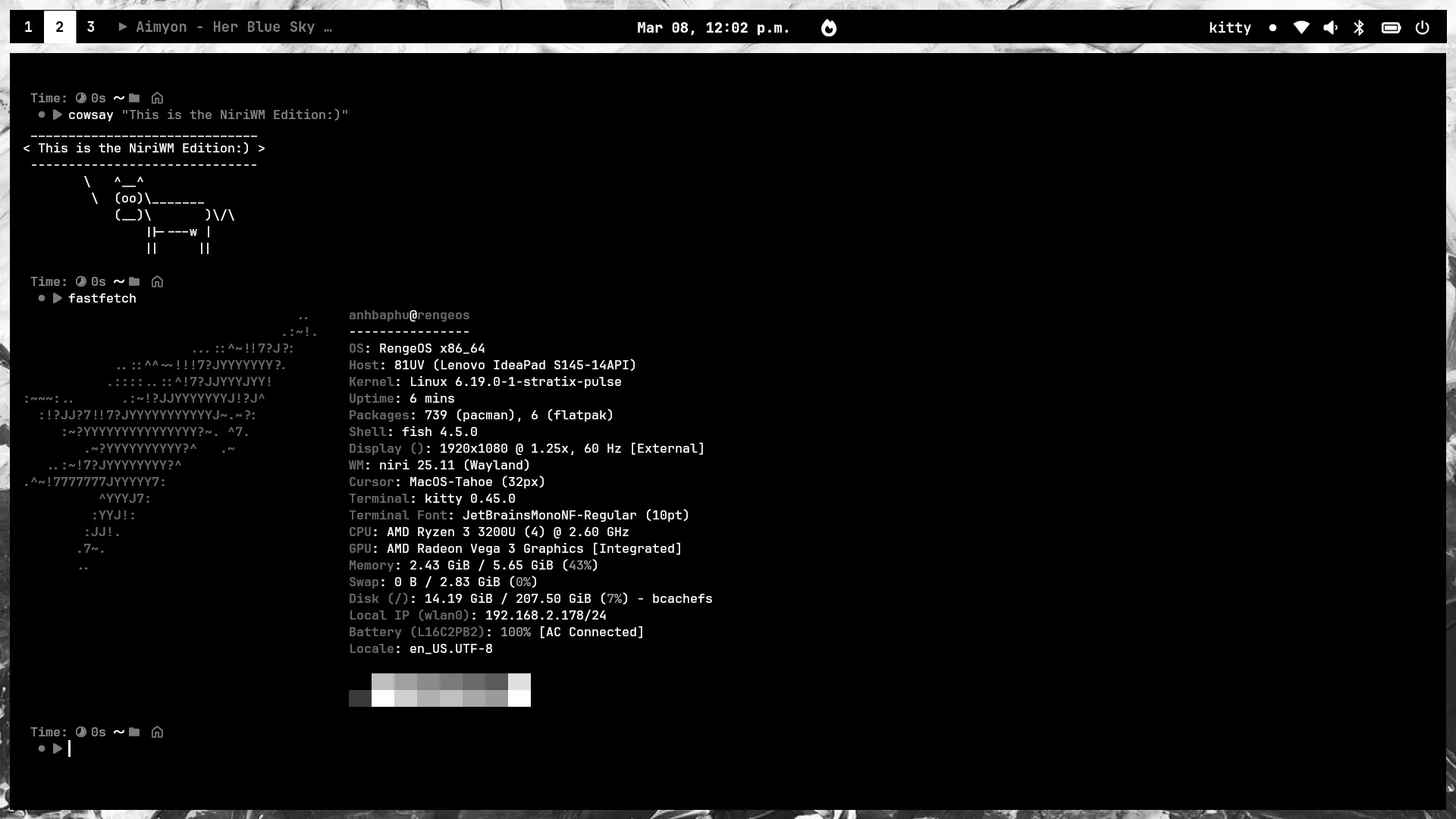
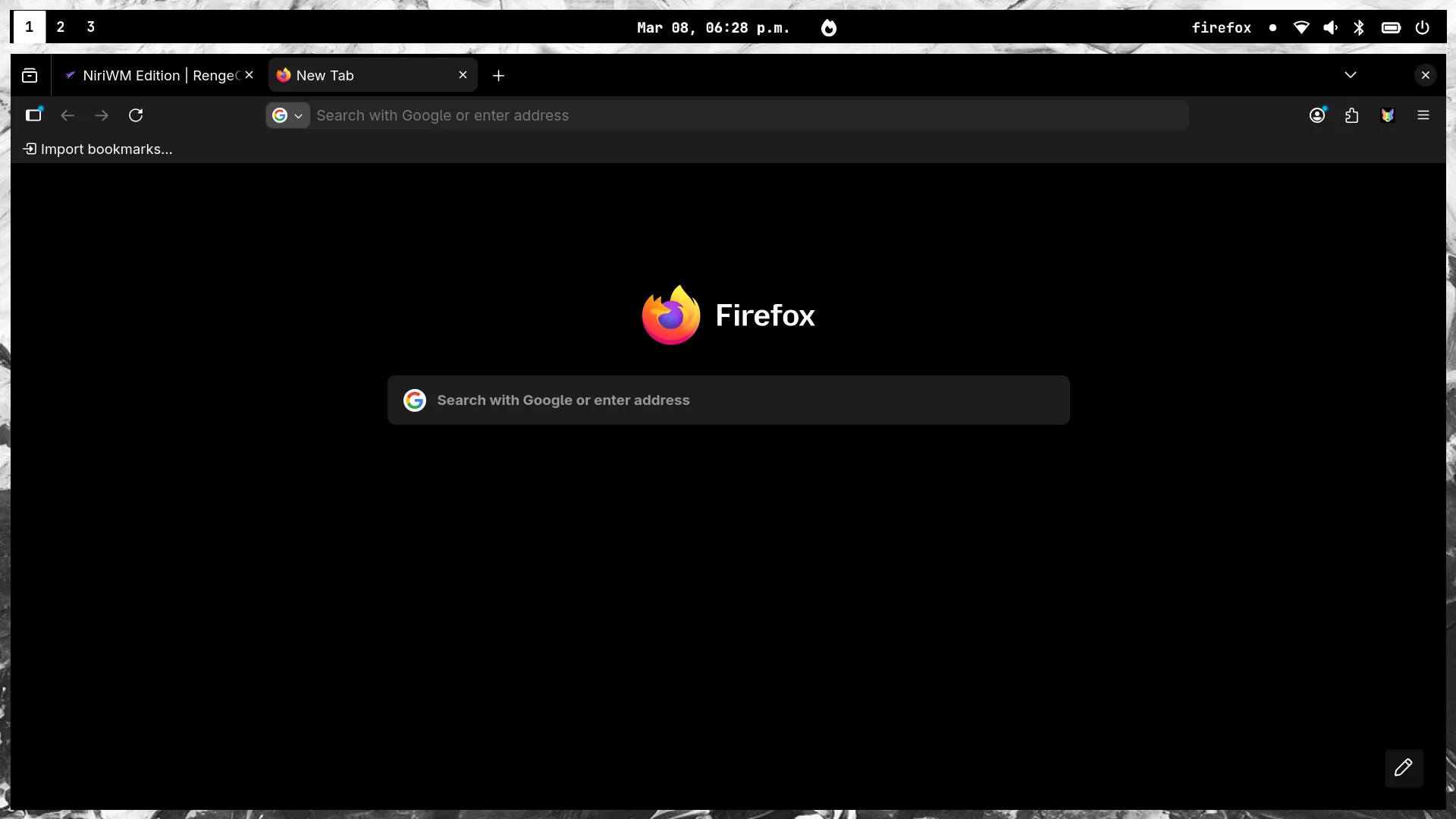
This’s an image of the NiriWM Edition :
Here you will learn about them and configure them.
Bar : WaybarApp Launcher : FuzzelWallpaper Engine : Hyprlax, MatugenNotification : SwayncClipboard Manager : Fuzzel, CliphistPowermenu : Wlogout-gitLockscreen : HyprlockPower-Profiles-Manager : Tuned, Tuned-ppdAudio : PipewireLogin Manager : Ly
All Niri configurations are saved here: ~/.config/niri/
Below are some errors I’ve encountered during use and how to fix them (temporarily until I find a solution):
After the installation process, restarting, and logging into Niri, if the default wallpaper doesn’t load, we will resolve it as follows:
Press Mod+Alt+W to open the wallpaper selection tool then select the wallpaper located in the ~/Pictures/Wallpapers/ folder and wait to see if the wallpaper loads.
If nothing happens , we’ll restart the computer because it’s highly likely that the process killed or crashed and perhaps it will work again.
First , make sure you have updated all your packages. If not, do the following:
Then restart your computer to apply the changes.
After restarting , the audio indicator should definitely work normally again.
Please note that occasionally the audio indicator may not appear on the Waybar. We can fix this by: pkill waybar && waybar & disown
I don’t understand why all other Nautilus functions work fine except for the renaming feature.
Therefore , we will use the renaming method as follows:
mv ./old-file-or-folder-name ./new-file-or-folder-name
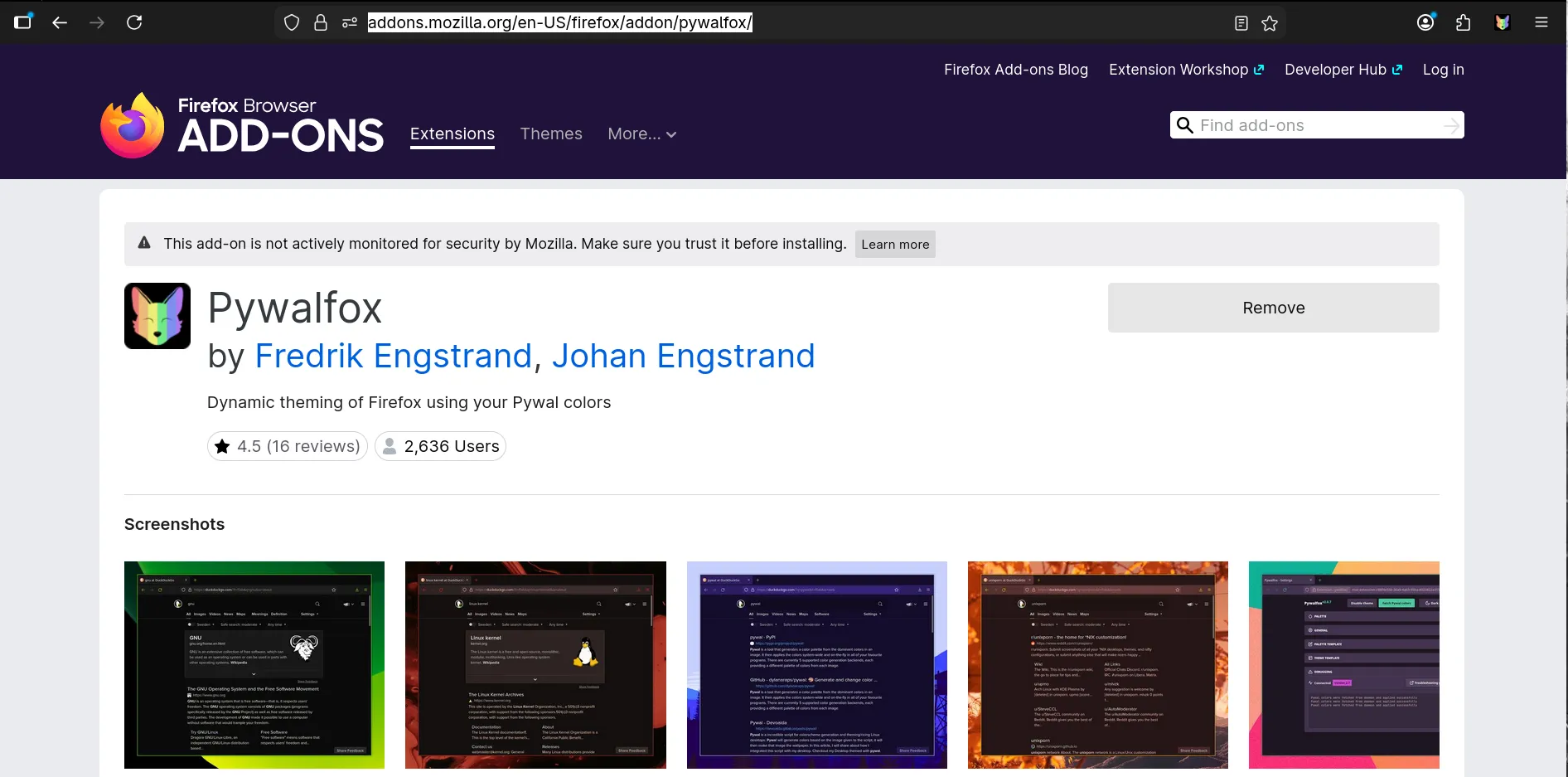
If you want your Firefox interface to match the colors of the Waybar or Kitty, here’s what we’ll do:
First , download the pywalfox extension for Firefox here: pywalfox
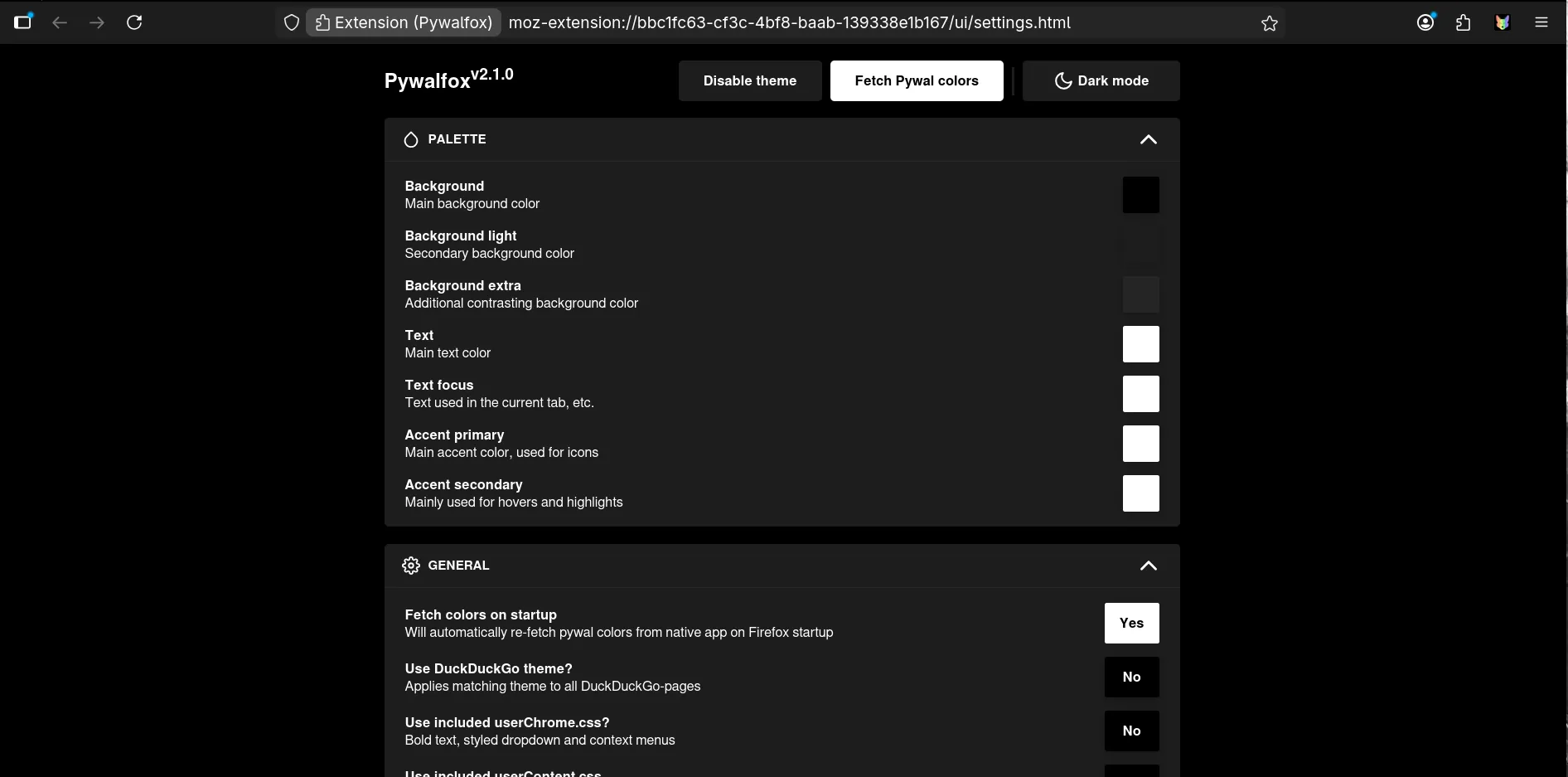
Next , click on the PyWalfox icon located in the extensions section, then click the “Fetch Pywal colors” button to get the color and that’s how we synchronize the colors.
First , we need to download the following packages:
sudo pacman -Sy bluez bluez-utils blueman
Next , we need to activate the bluetooth service.
# Enable bluetooth service
sudo systemctl enable bluetooth.service
# Start bluetooth service
sudo systemctl start bluetooth.service
Now you will see a bluetooth icon on the bar then tap it and connect, or you can connect through the blueman app.
We will turn it off as follows:
sudo systemctl disable ly@tty2.service
Then we will restart the machine to apply the changes and you can enable the login manager you want.
Key Action XF86AudioRaiseVolumeRaise volume XF86AudioLowerVolumeLower volume XF86AudioMuteToggle mute XF86AudioMicMuteToggle microphone mute
Key Action XF86MonBrightnessUpIncrease brightness XF86MonBrightnessDownDecrease brightness
Key Action Mod + Shift + PPlay / Pause Mod + Shift + NNext track Mod + Shift + BPrevious track
Key Action Mod + ReturnOpen terminal (Kitty) Mod + EOpen file manager (Nautilus) Mod + Alt + SlashOpen app launcher (Fuzzel) Mod + LLock screen (Hyprlock) Mod + SpaceToggle overview Mod + Alt + WSelect wallpaper
Key Action Mod + VOpen clipboard history Mod + Alt + VDelete a clipboard entry
Key Action Mod + LeftFocus column left Mod + RightFocus column right Mod + UpFocus workspace up Mod + DownFocus workspace down Mod + TabFocus previous workspace Mod + Ctrl + LeftFocus first column Mod + Ctrl + RightFocus last column
Key Action Mod + Shift + LeftMove column left Mod + Shift + RightMove column right Mod + Shift + UpMove column to workspace up Mod + Shift + DownMove column to workspace down Mod + Shift + Ctrl + LeftMove column to first Mod + Shift + Ctrl + RightMove column to last Mod + Ctrl + Alt + UpMove workspace up Mod + Ctrl + Alt + DownMove workspace down
Key Action Mod + FMaximize column Mod + Shift + FFullscreen window Mod + CCenter column Mod + Ctrl + FExpand column to available width Mod + -Decrease column width by 10% Mod + =Increase column width by 10% Mod + Shift + -Decrease window height by 10% Mod + Shift + =Increase window height by 10% Mod + Alt + LeftConsume or expel window left Mod + Alt + RightConsume or expel window right
Key Action Mod + 1 — Mod + 9Switch to workspace 1–9 Mod + Shift + 1 — Mod + Shift + 9Move column to workspace 1–9
Key Action Mod + Alt + SpaceToggle window floating Alt + SpaceSwitch focus between floating and tiling
Key Action PrintScreenshot (region select) Ctrl + PrintScreenshot entire screen Alt + PrintScreenshot focused window
Key Action Mod + QClose window Mod + Alt + PPower off monitors
Key Action Mod + Alt + ScrollUpRaise volume Mod + Alt + ScrollDownLower volume Mod + Shift + Alt + ScrollUpIncrease brightness Mod + Shift + Alt + ScrollDownDecrease brightness Mod + Ctrl + ScrollUpFocus workspace up Mod + Ctrl + ScrollDownFocus workspace down Mod + Ctrl + MouseLeftFocus column left Mod + Ctrl + MouseRightFocus column right Mod + Ctrl + Shift + MouseLeftMove column left Mod + Ctrl + Shift + MouseRightMove column right Mod + Ctrl + Shift + ScrollUpMove column to workspace up Mod + Ctrl + Shift + ScrollDownMove column to workspace down
Key Action Mod + Alt + TouchpadScrollDownRaise volume Mod + Alt + TouchpadScrollUpLower volume Mod + Ctrl + TouchpadScrollDownIncrease brightness Mod + Ctrl + TouchpadScrollUpDecrease brightness Mod + TouchpadScrollDownFocus workspace down Mod + TouchpadScrollUpFocus workspace up Mod + TouchpadScrollLeftFocus column left Mod + TouchpadScrollRightFocus column right Mod + Shift + TouchpadScrollLeftMove column left Mod + Shift + TouchpadScrollRightMove column right Mod + Shift + TouchpadScrollDownMove column to workspace down Mod + Shift + TouchpadScrollUpMove column to workspace up