
Change GRUB Theme
Changing the GRUB menu interface is quite easy on RengeOS, This method might be quite different from other distributions because
the default GRUB themes folder will always be /boot/grub/themes/
instead of /usr/share/grub/themes/ as it doesn’t detect grub themes located there and please note that this is a manual guide.
Prepare
Section titled “Prepare”- First, you need to find the grub theme you like anywhere, here I will use Miku GRUB Themes (credit: Nguyễn Văn Phan) as the installation target as a theme for
GRUB.
- I have the following folder structure:

- Inside the
HatsumeMikufolder there is athemes.txtfile so it is the grub themes folder I want to install forGRUBmenu
Start applying GRUB theme
Section titled “Start applying GRUB theme”- First we will
cp(copy) that theme folder into/boot/grub/themes/
sudo cp -r ./HatsumeMiku/ /boot/grub/themes/- Now we need to edit the content inside
/etc/default/grubso thatGRUBcan know where the theme path we need to apply is
# you can change the editor you want instead of ``nano``sudo nano /etc/default/grub-
Then add this line at the end of the file content as follows:
-
Don’t forget change the path below to the path to your theme then exit and save the file.
# If it exists, uncomment it or delete it and replace it with thisGRUB_THEME="/boot/grub/themes/HatsumeMiku/theme.txt"- The final step we need to refresh GRUB’s config
sudo grub-mkconfig -o /boot/grub/grub.cfg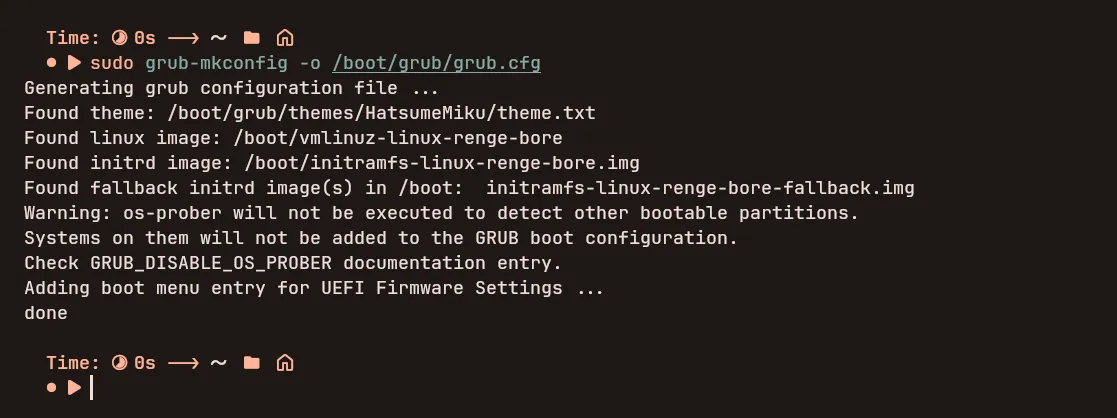
- Now everything is done, reboot the system and enjoy your
GRUBTheme:)